Which image model should you use? A practical guide
Flare, Sunburst, GPT-Image 2 or 1.5? Each model has a sweet spot. Here's how to pick the right one for everyday posts, precision edits, and everything in between.
Layozen Team
Layozen Team
Which image model should you use? A practical guide
Layozen now gives you a choice of image models in the selector. That's great news for quality - but it also raises an honest question: which one should you actually pick?
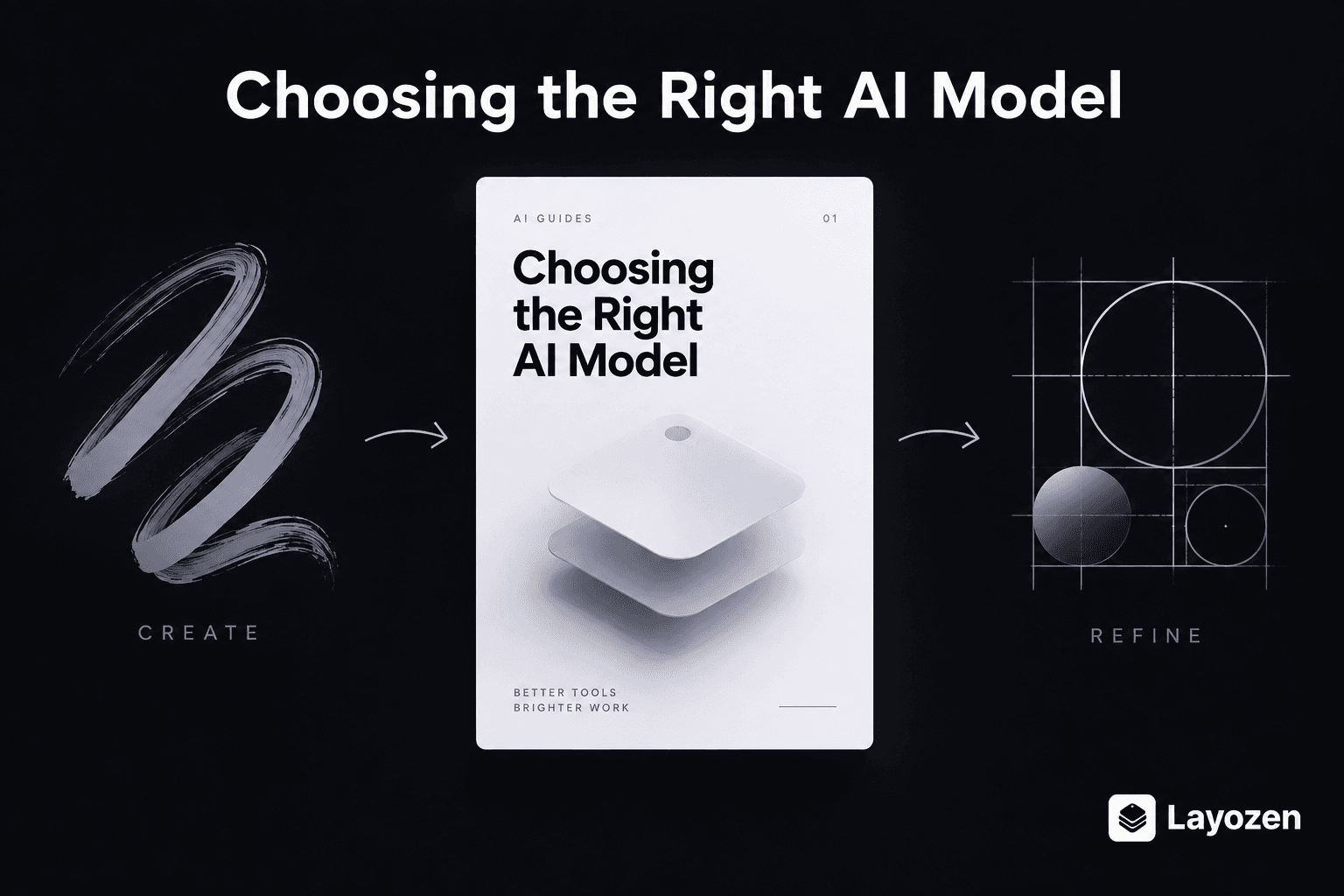
The short answer: start with Flare, switch to Sunburst when you're refining. The long answer is below.
Meet the models
GPT-Image 2.5 Flare (default)
Flare is built for speed and everyday quality. It generates polished, on-brand marketing graphics in the least time, which makes it the right choice for most prompts: social posts, event banners, product announcements, story creatives, and quick campaign variations.
Use Flare when: you're generating a new graphic from scratch and want a great result fast.
GPT-Image 2.5 Sunburst
Sunburst is built for editing precision. When you're iterating on an image - "move the logo to the left", "swap the background", "make the headline bigger without touching the layout" - Sunburst follows those instructions more faithfully and preserves the rest of the composition better than any other model.
Use Sunburst when: you're refining an existing generation or editing an uploaded reference image.
GPT-Image 2
The previous-generation flagship. Still a strong all-rounder, and useful when you want output that matches assets you generated before the 2.5 models arrived.
Use GPT-Image 2 when: you need visual consistency with older assets from your library.
GPT-Image 1.5
An earlier flagship, kept available so existing workflows and saved chats behave exactly as they did before.
Use GPT-Image 1.5 when: an older campaign or saved chat was built around it and you don't want any drift.
The use-case playbook
| You are doing... | Pick |
|---|---|
| A fresh poster, banner, or social post | Flare |
| A/B variants of the same concept | Flare |
| Refining a generated image ("make the headline pop") | Sunburst |
| Editing an uploaded photo or reference | Sunburst |
| Matching the style of older assets | GPT-Image 2 |
| Continuing a saved chat from before 2.5 | GPT-Image 2 or 1.5 |
A workflow that works
The best results usually come from using both models in sequence:
- Generate with Flare. Get a strong first draft in seconds. Try 2-3 variations if the first isn't right.
- Pick your favorite and refine with Sunburst. Describe exactly what should change - and what should stay the same.
- Export in the right size. Square for feed posts, portrait for stories, landscape for LinkedIn and print.
Tip: the model is locked after the first generation inside a chat, but you can always start a new chat with a different model and attach the image you want to refine.
Don't forget quality tiers
Model choice is only half the equation. The quality tier matters too:
- Low - fast drafts and quick exploration. Great for narrowing down concepts.
- Medium - the everyday sweet spot for most published assets.
- High - final hero assets: launch creatives, print materials, bigcampaign visuals.
A common pattern: explore with Flare at low quality, finalize with Sunburst at high quality.
Bottom line
You don't need to memorize model specs. Just remember one rule: Flare to create, Sunburst to refine. Everything else is a detail.
Ready to try it? Start generating - and hover over each model in the selector for a quick reminder of what it does best.